


To add a new XERO connection: Workspace Settings → Integrations → XERO → Add or Update Connection

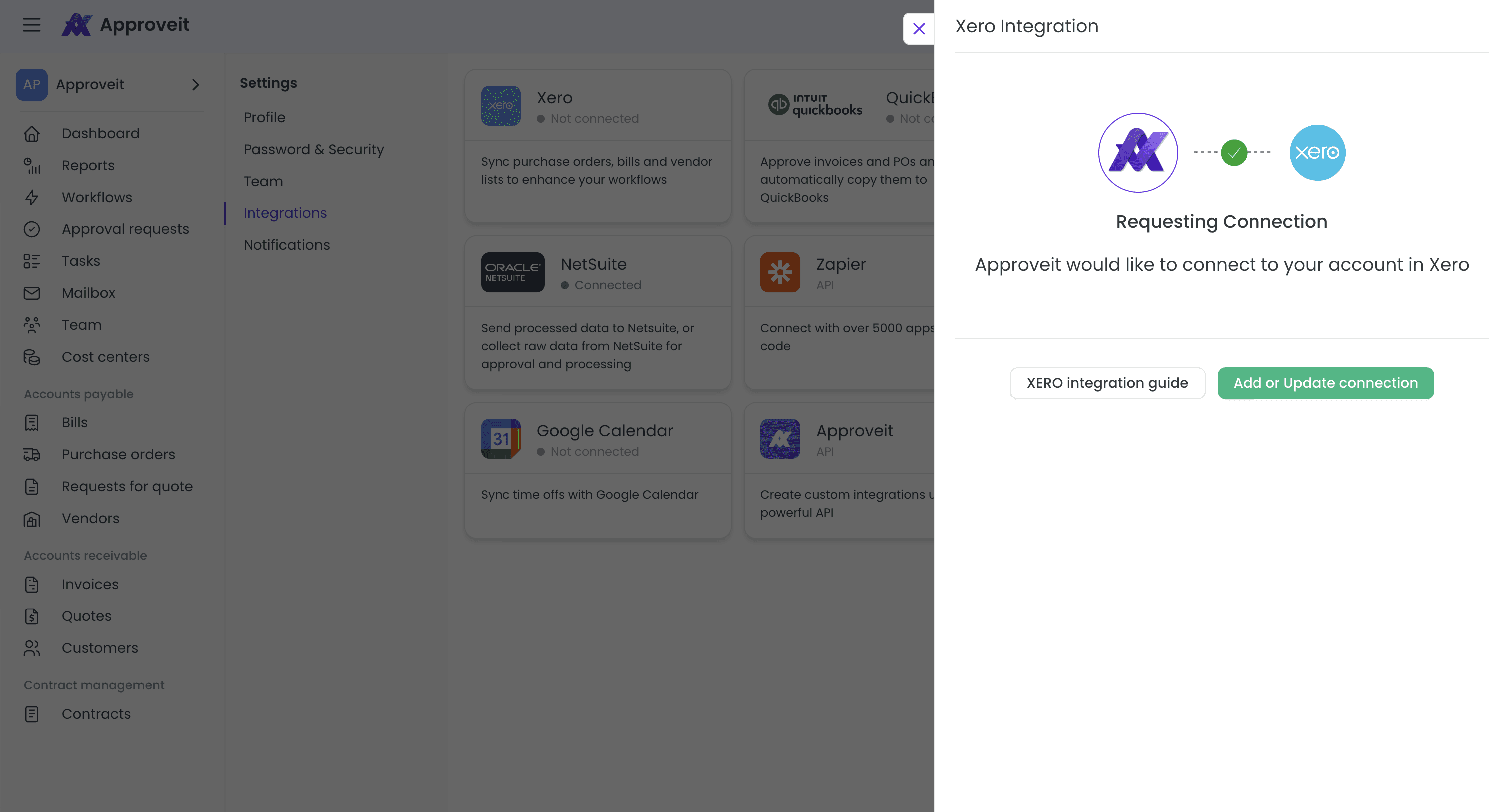
Once your Xero connection is set up, click New organization to add an organization in Approveit.

In the organization settings, select Xero under Accounting software sync with, choose the corresponding Xero organization, and click Save.

If you have any questions or need further assistance, feel free to reach out to our
support team.





