





Approved Only
Learn More
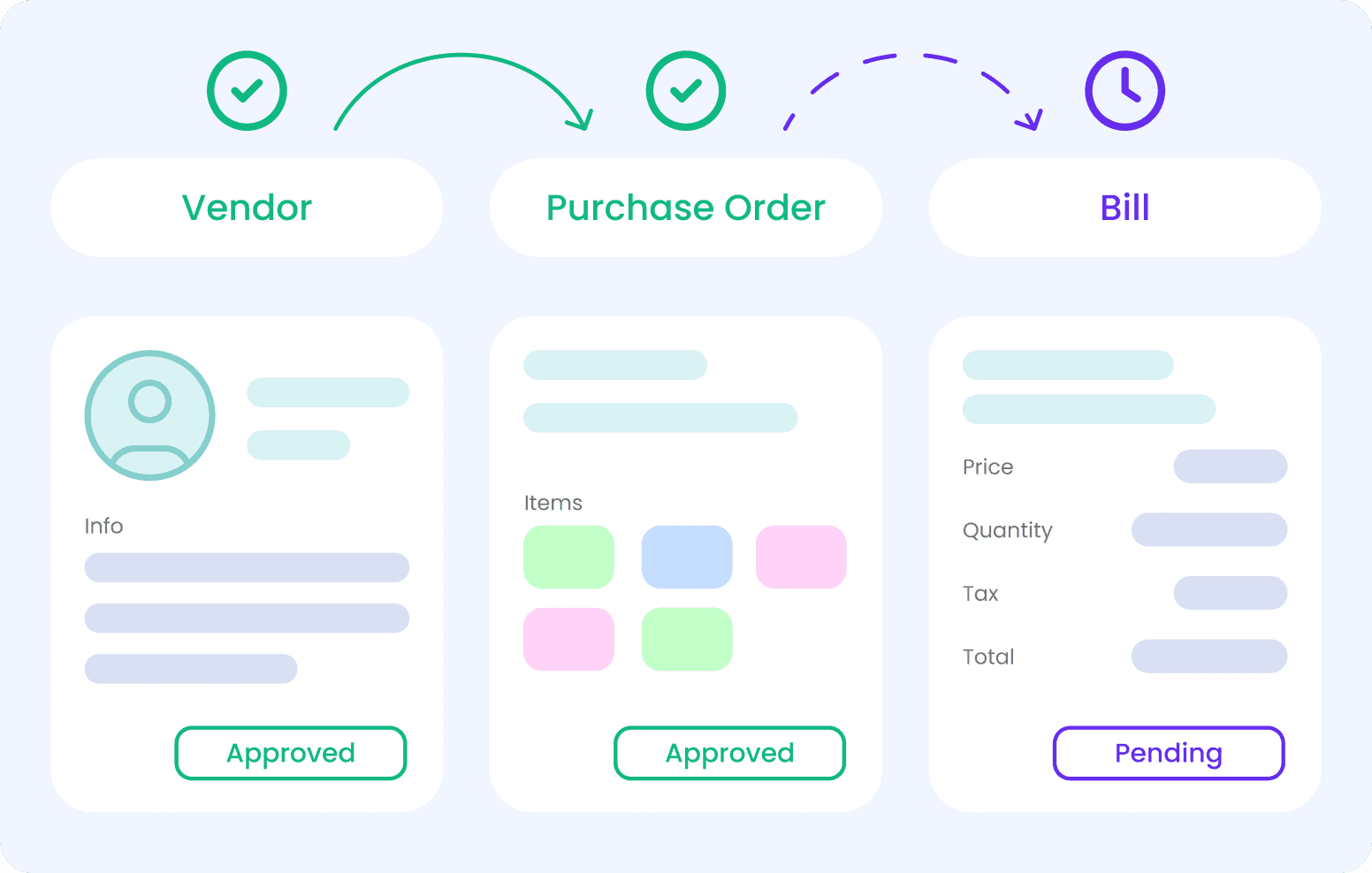
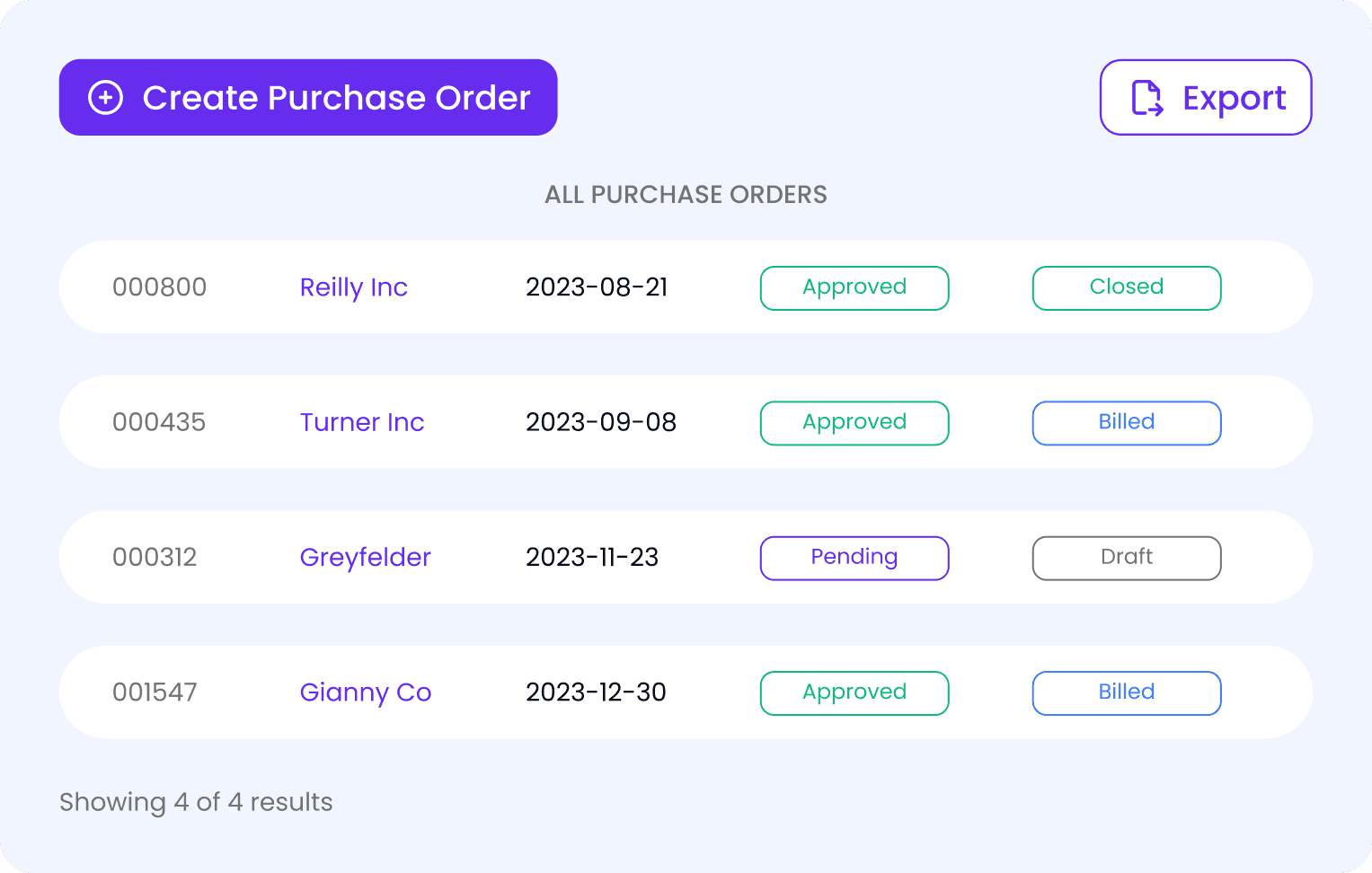
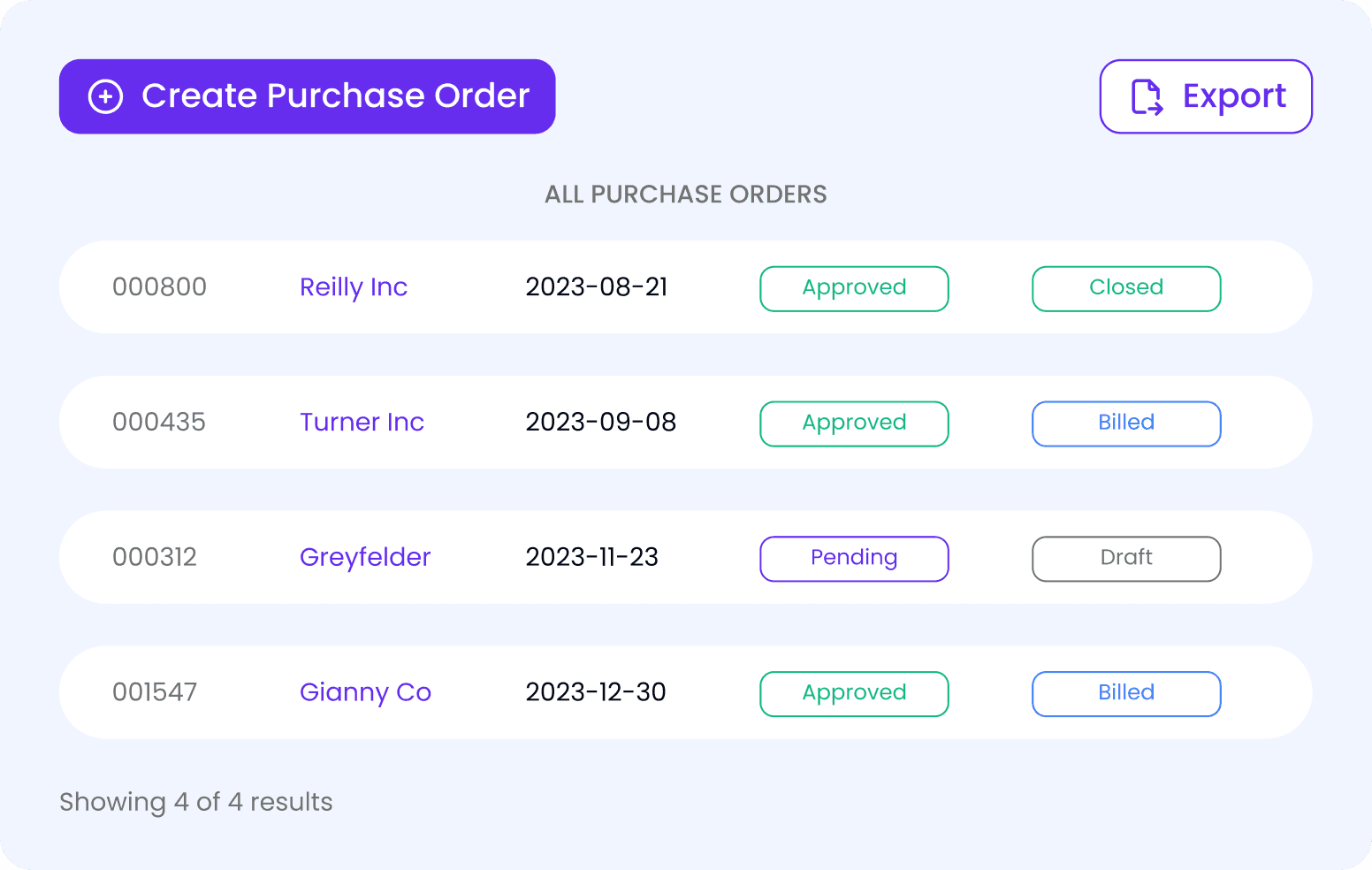
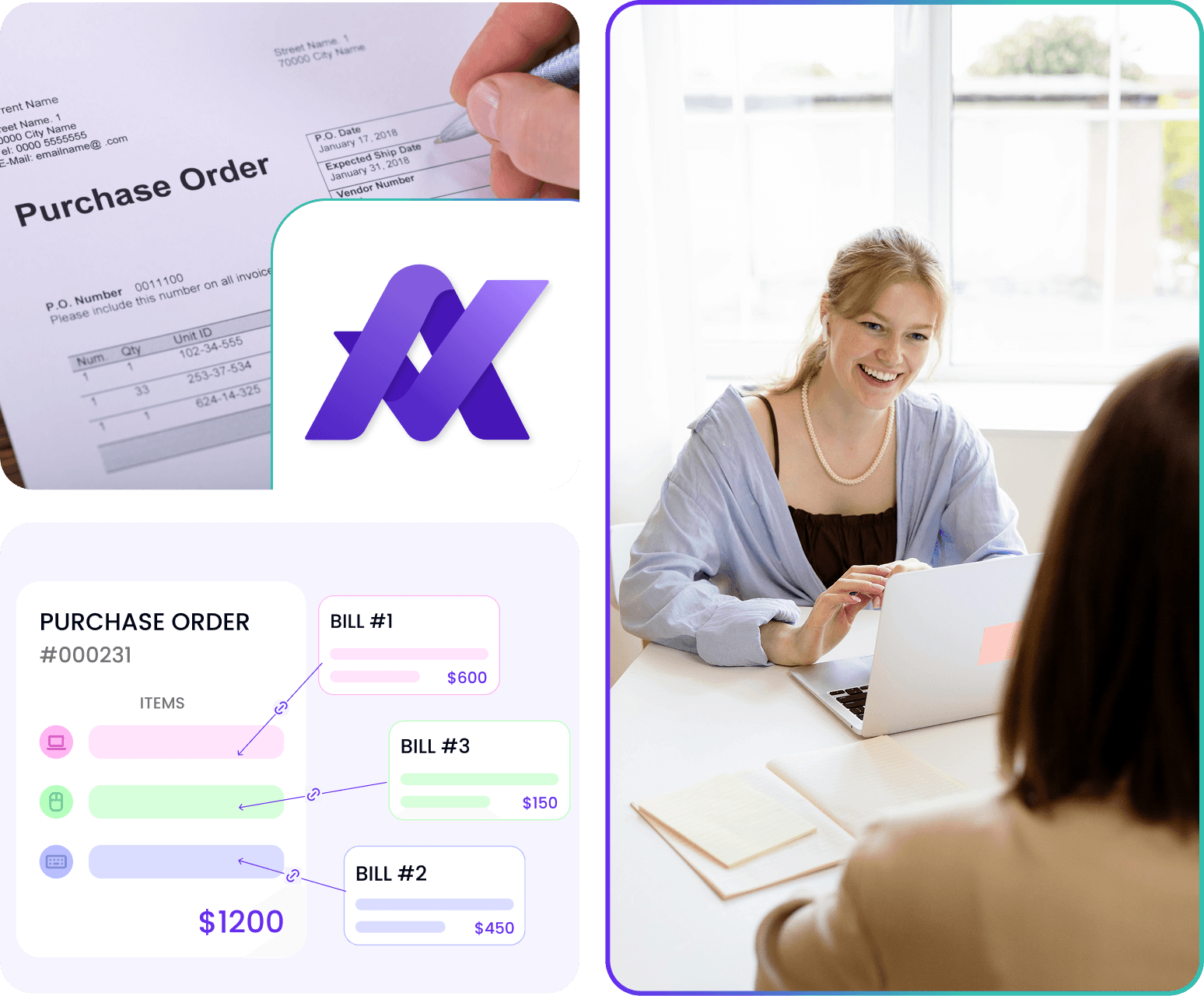
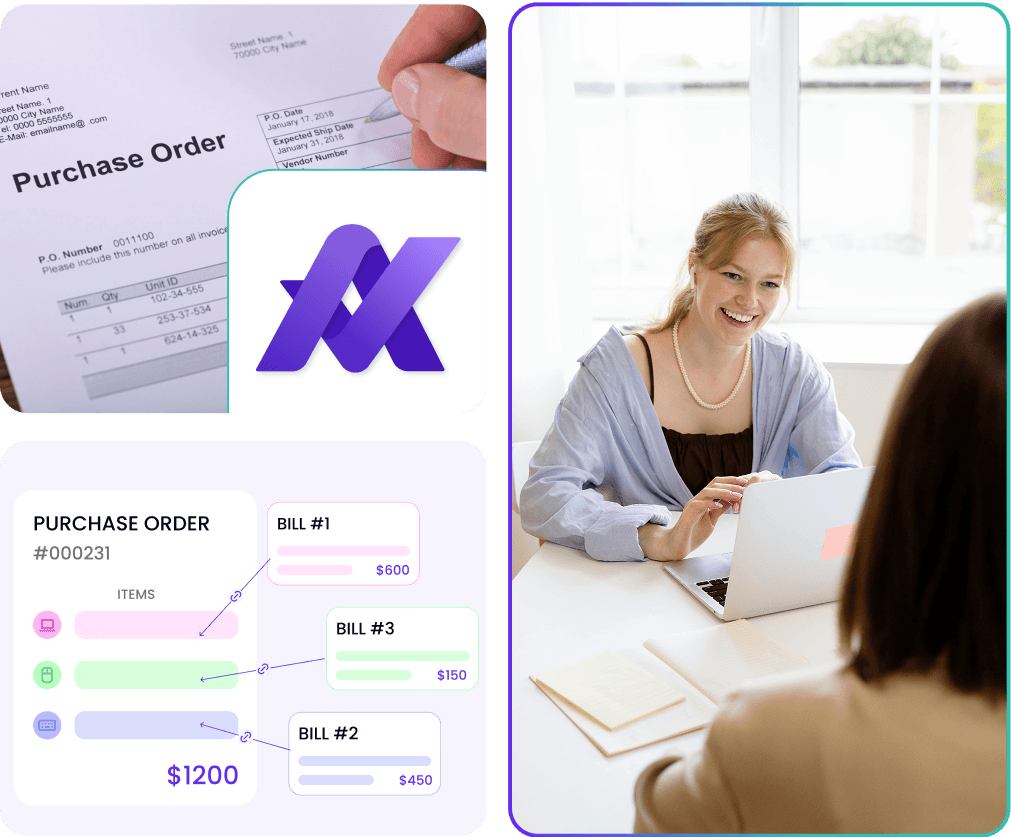
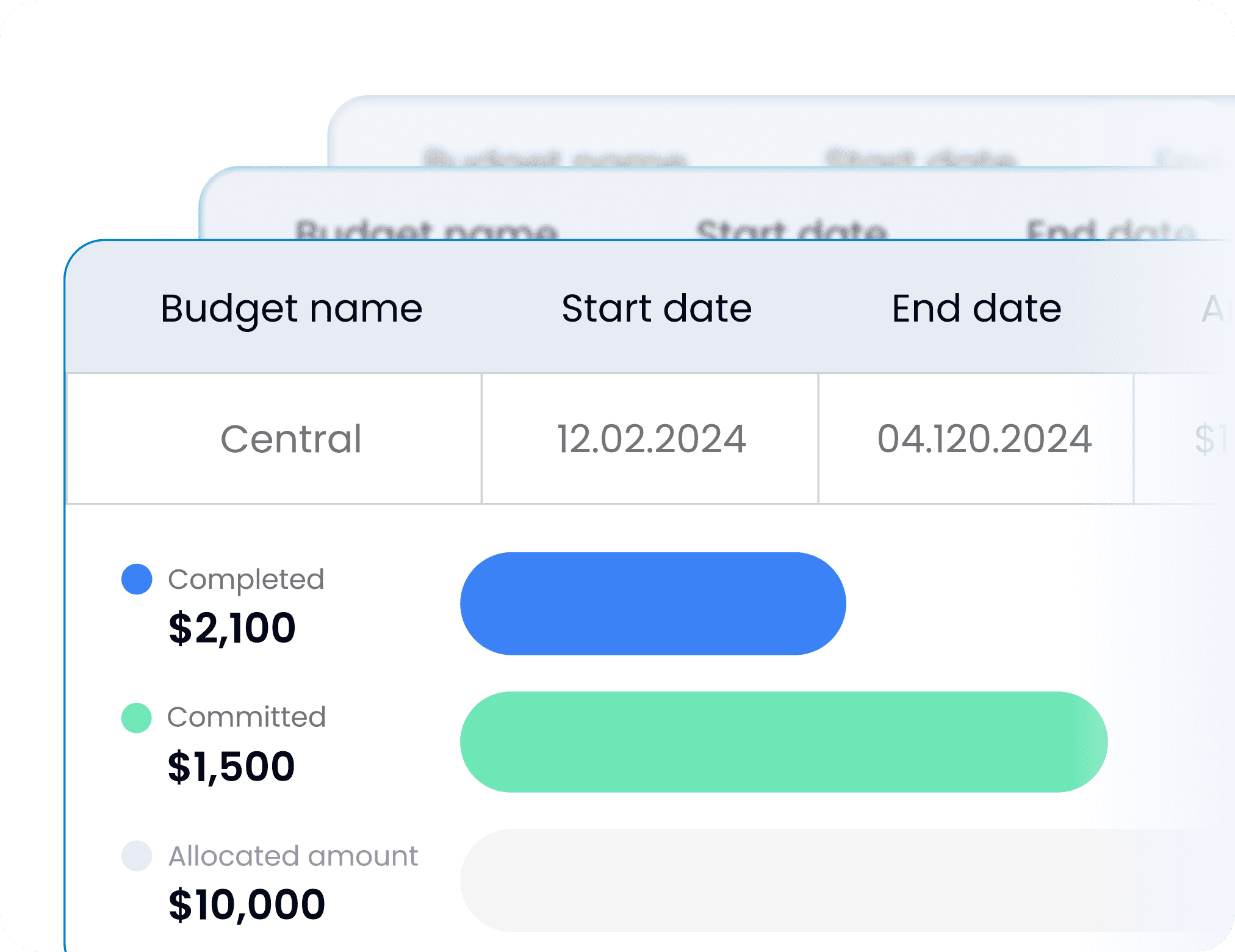
Always pay the correct amount. Approveit alerts you if the total in attached bills exceeds the purchase order limit
Book a Demo
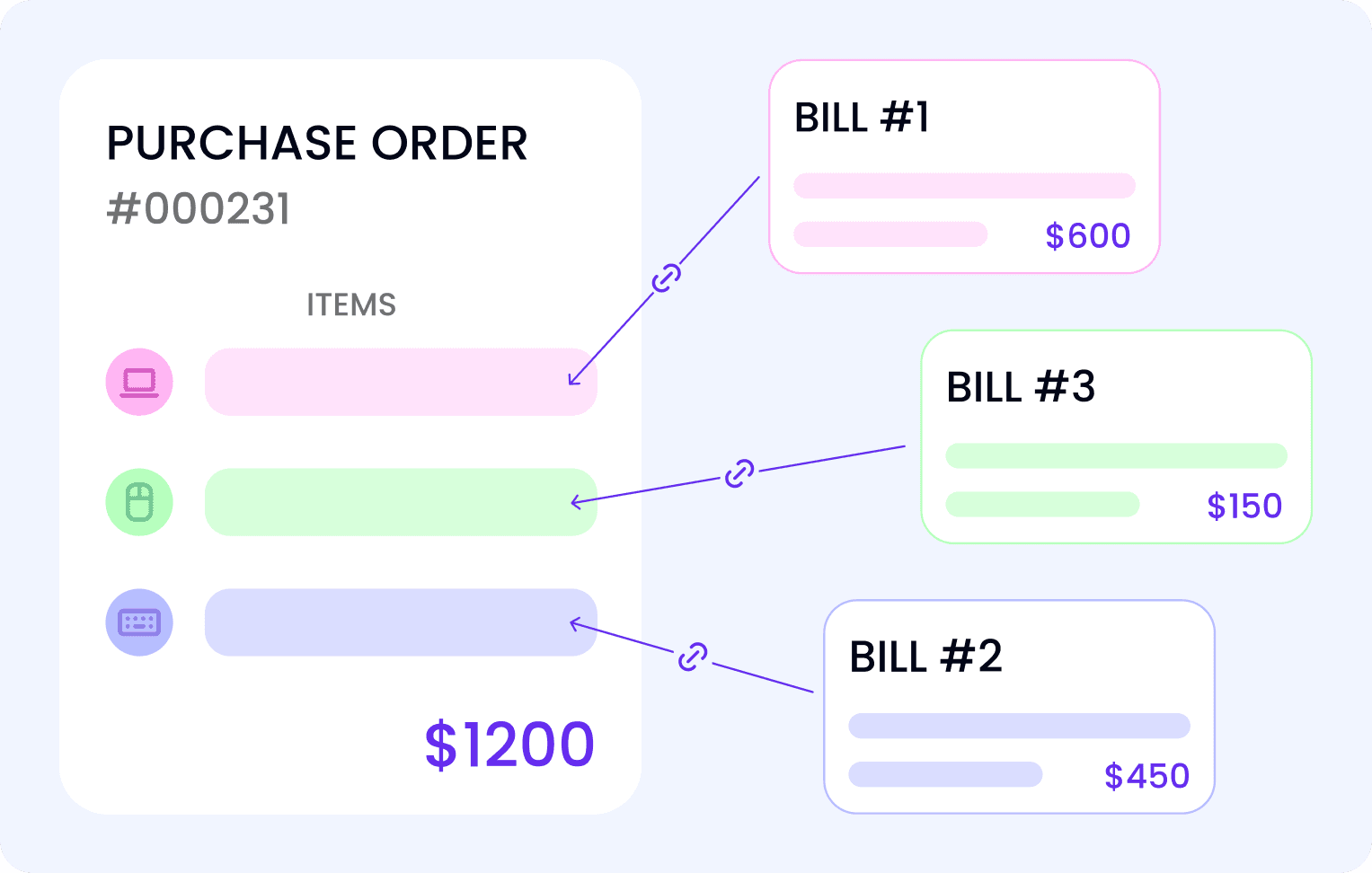

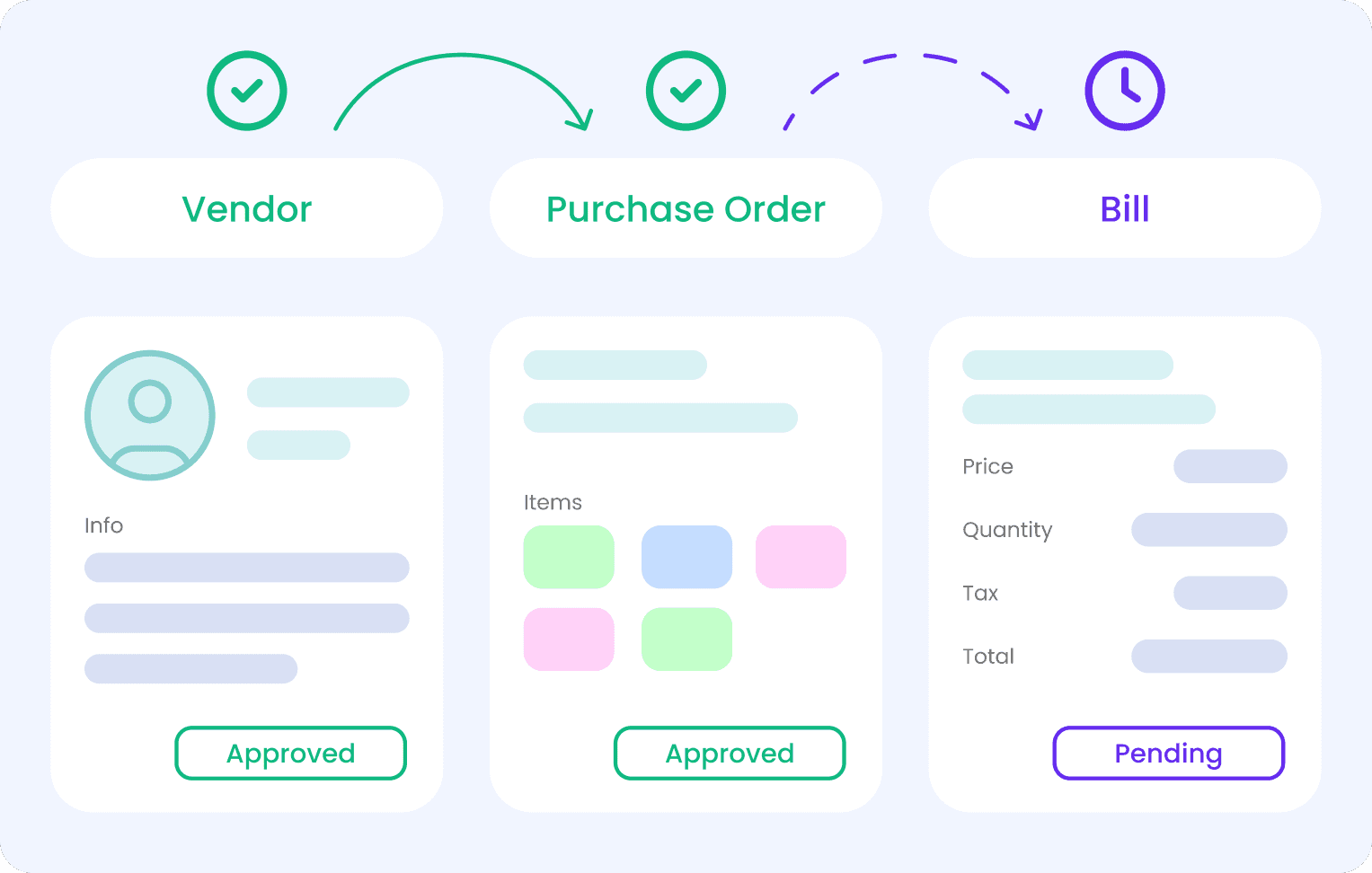
Step 1. Creating Purchase order
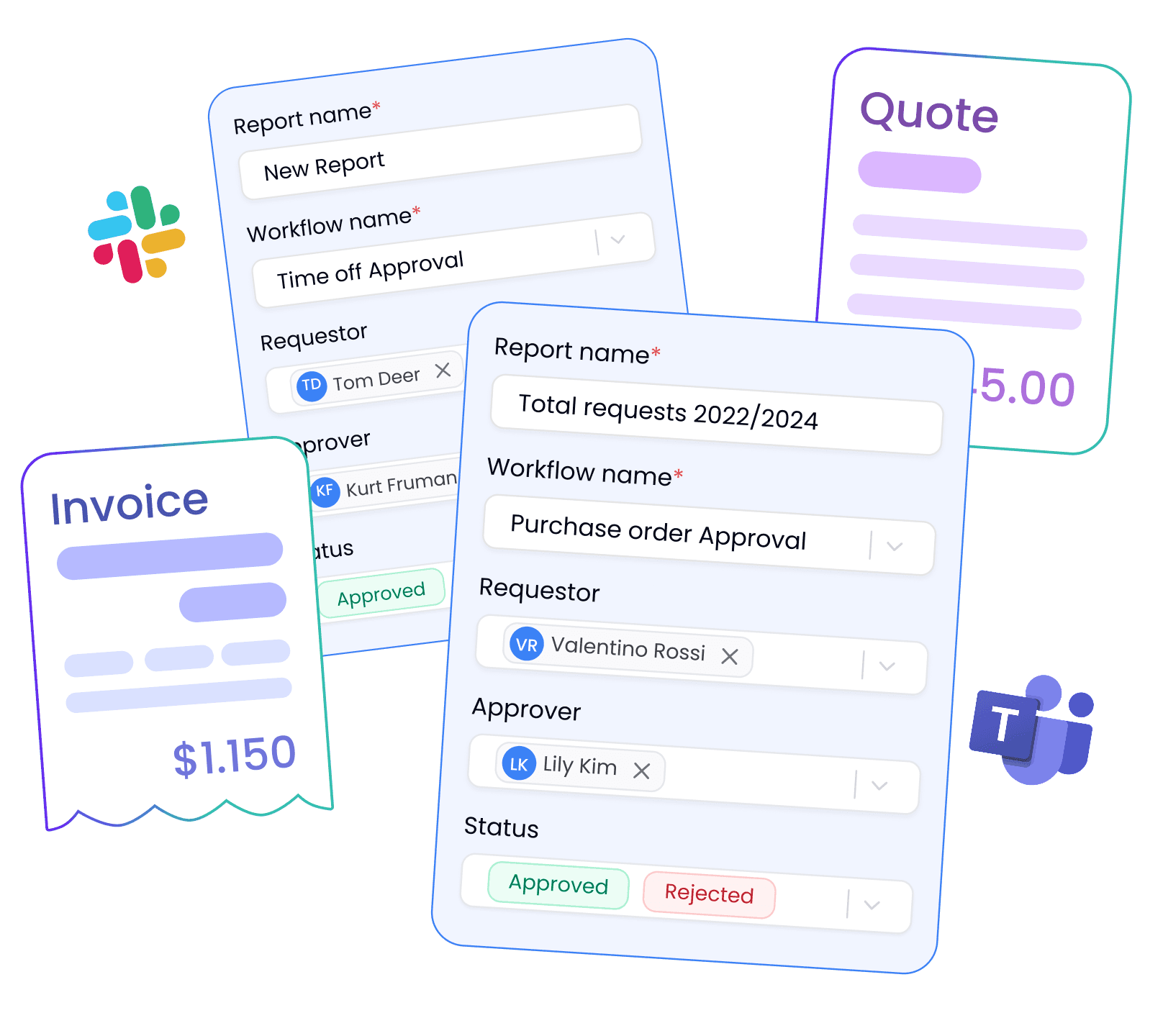
Create a purchase order in Approveit and automatically send it for approval
Step 2. Approving purchase order
Purchase order gets approved and appears in the Vendor Portal and Purchase Orders tab in Approveit
Step 3. Creating Bill
Once the purchase order is executed, time to bill it
Step 4. Closing Purchase Order
Once all the bills are paid, purchase order can be closed


What is procurement automation?
It applies AI-driven workflows to repetitive operational tasks to boost efficiency and cut cost
Which industries see the quickest wins?
Manufacturing, construction, and logistics often hit double-digit productivity gains first
How do managers benefit?
Live dashboards surface KPIs so leaders act on data, not gut feel
Is AI required?
Not initially, but adding predictive analytics later amplifies ROI
What’s the typical implementation timeline?
Pilot processes go live in 4–6 weeks; full scale follows once value is proven