





Take full command of invoicing, approvals, compliance tracking, and data integration using one advanced accounts receivable automation platform built for reliability and transparency
Instantly create and deliver invoices or quotes with minimal manual input. Thanks to accounts receivable automation, templates and auto-fill fields cut down errors while ensuring every document is tracked from creation to payment. AI-assisted auto-fill reduces invoice creation time and improves accuracy.
Learn More




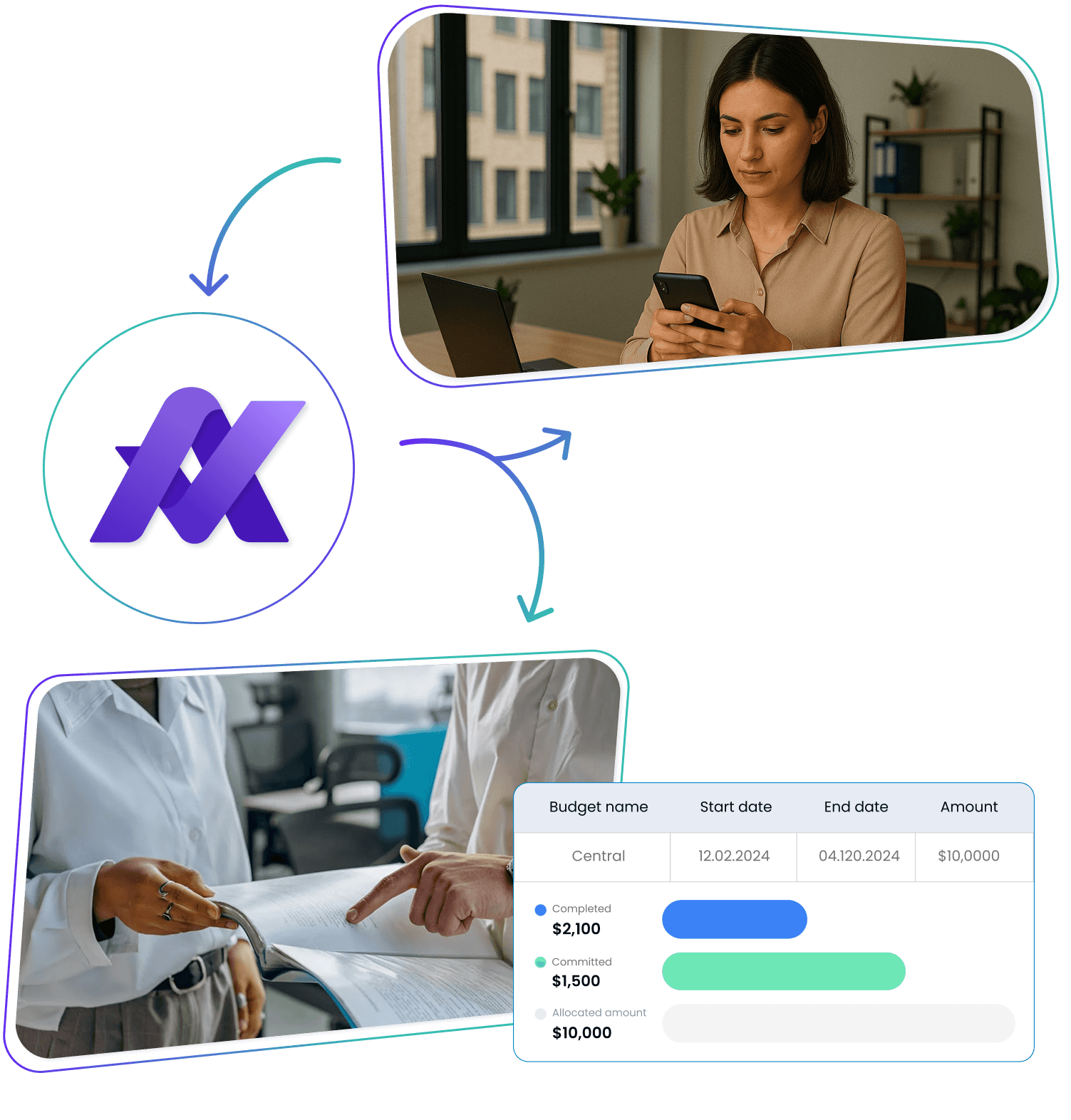
Build approval chains that suit your business needs. With accounts receivable automation, requests are directed to the right team members, and every change is recorded for complete traceability
Start Free Trial
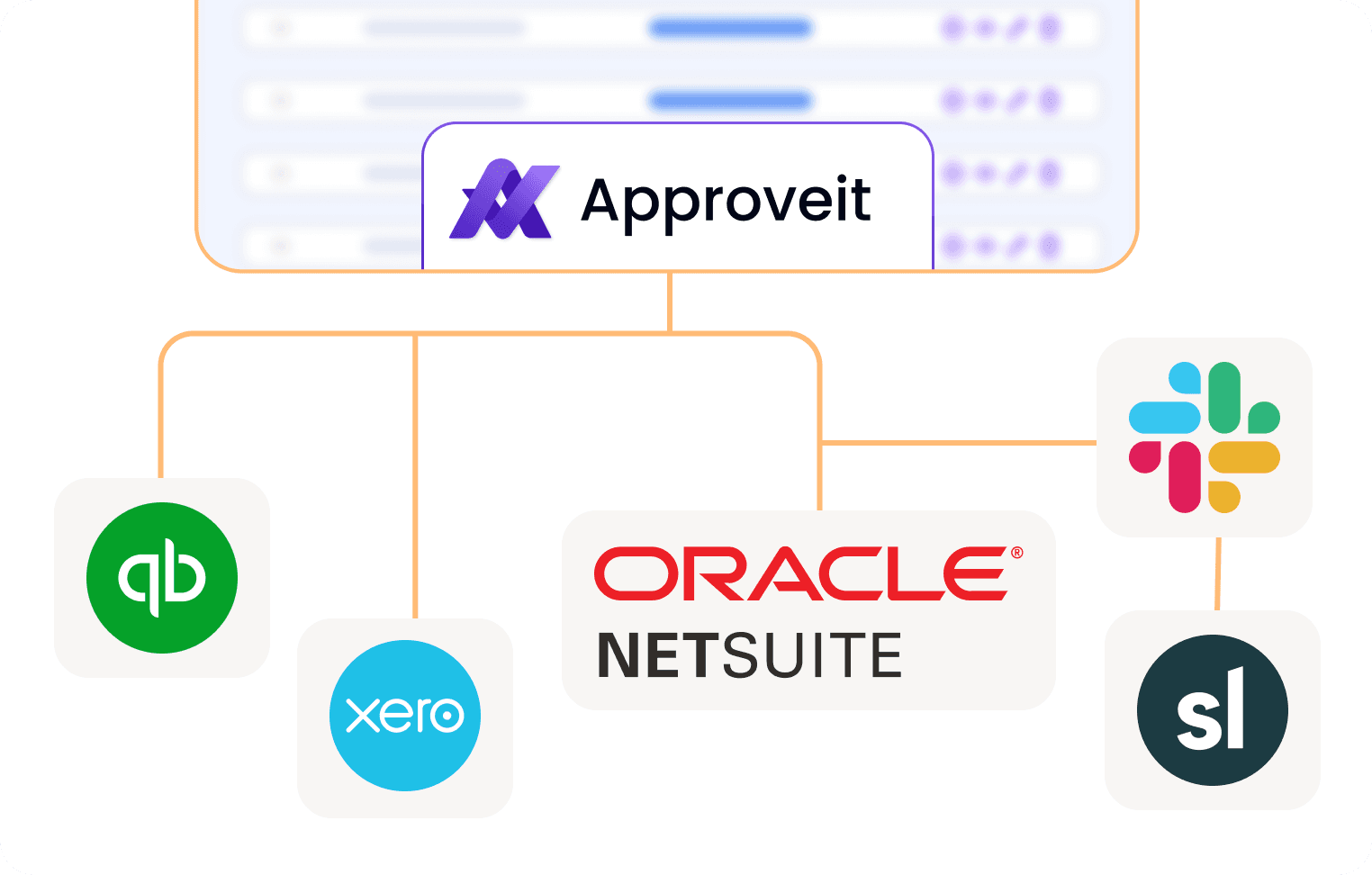
Effortlessly link your AR software to QuickBooks, NetSuite, Slack, and more. Automatic syncing ensures your financial data remains precise across all platforms, reducing manual entry
Request a Demo


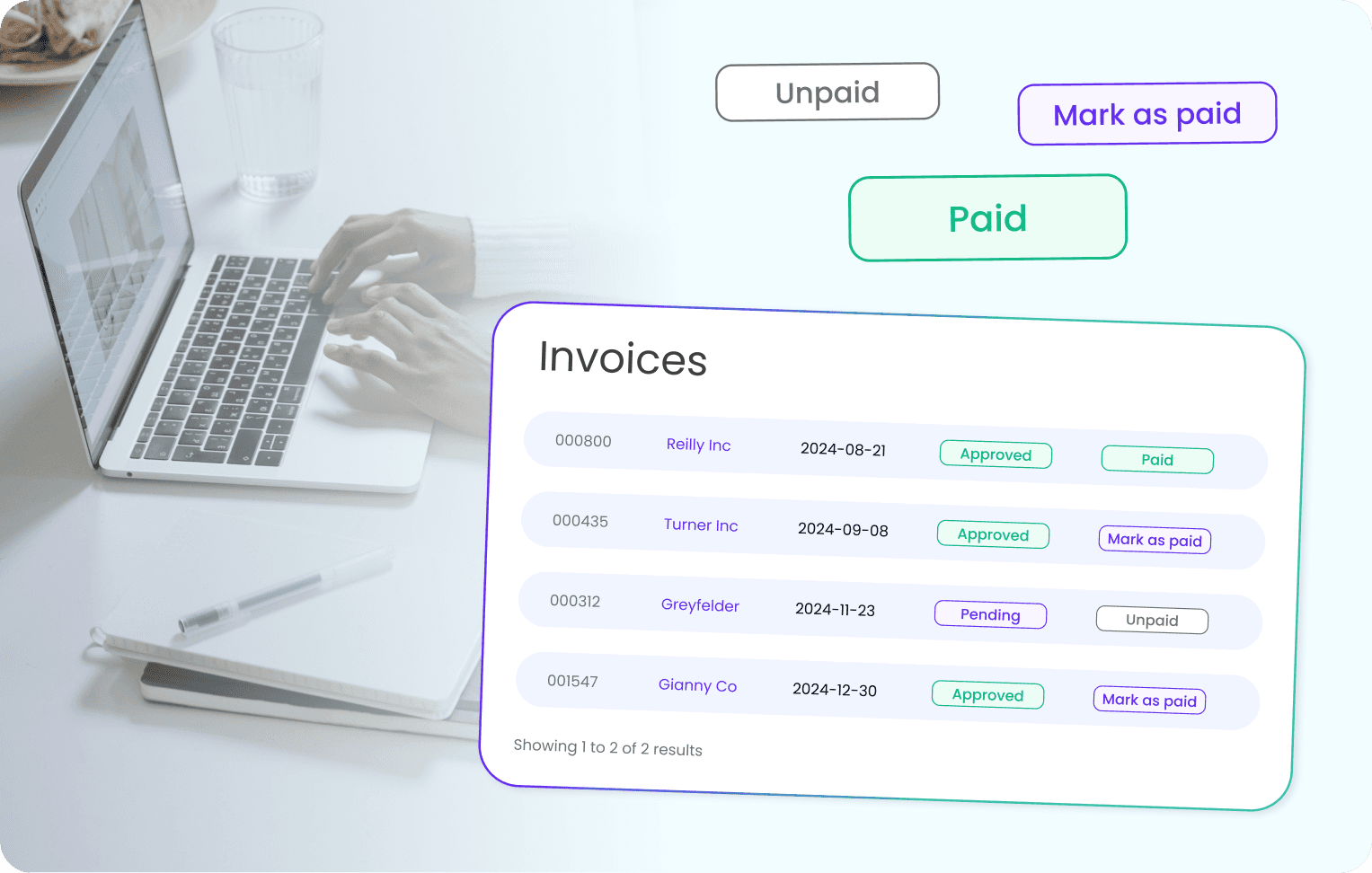
Keep detailed logs of every transaction, update, and approval. Accounts receivable automation synchronizes with your accounting systems to provide clear, real-time reporting, ensuring you're always ready for audits
Request a Quote
Step 1. Create Quote
Use templates to draft an itemized quote with pricing and payment terms, reducing disputes and speeding order‑to‑cash.
Step 2. Approve Quote
Route the quote through an automated workflow that enforces credit limits and policies, speeding sign‑off and cutting errors.
Step 3. Send the Quote to client
Instantly deliver the approved quote via email or portal with e‑signature, track acknowledgments, and sync with your CRM.
Step 4. Generate & Approve Invoice
Auto‑create the invoice from the signed quote, then run it through a multi‑step approval flow to verify accuracy before dispatch.
Step 5. Monitor and Report
Track invoice status and aging on dashboards, trigger alerts for overdue accounts, and use analytics to optimize DSO.












Invoicing Mistakes
Without proper automation, small billing errors lead to disputes, late payments, and unnecessary corrective work

Approval Process Delays
Manual approvals often get stuck
in internal pipelines, causing late invoice dispatch and collection delays

Poor Real-Time Tracking
Disjointed systems make it tough
to check invoice statuses, monitor outstanding balances, and keep customers informed

Weak Collections
Inconsistent follow-up and missed reminders mean overdue invoices are left unresolved far too long

Lack of System Integration
When your AR software doesn’t fully integrate with accounting tools, it forces manual data entry, increasing error rates and wasting time

Missing Centralized Logs
Without a complete record of actions and approvals, audits and compliance reviews become much more complicated


What is accounts receivable automation and how does it work?
Accounts receivable automation uses software to streamline every step of the invoicing lifecycle: from invoice generation and multi‑level approval routing to payment follow‑up and collections, eliminating manual data entry and bottlenecks. By leveraging templates, auto‑fill fields, and rule‑based workflows, AR automation platforms ensure each invoice is issued, tracked, and reconciled automatically, giving finance teams real‑time visibility into outstanding receivables and cash flow.
What are the benefits of using accounts receivable automation software?
‑ Faster invoicing & reduced errors: Automated templates and validation cut manual entry mistakes by up to 90%. ‑ Improved cash flow: 91% of mid‑sized firms with fully automated AR report increased savings, cash flow, and growth. ‑ Better transparency & tracking: 77% of CFOs say AR automation improves invoice tracking and supplier relationships through real‑time status updates. ‑ Cost savings: End‑to‑end AR automation can reduce invoicing expenses by over 70% and eliminate lockbox fees.
How does accounts receivable automation integrate with accounting systems?
Leading AR automation platforms natively sync with ERPs such as QuickBooks, NetSuite, Xero, SoftLedger, and communication tools like Slack, ensuring customer and transaction data is consistent across systems without manual imports. This reliable data sync provides a unified audit trail and up‑to‑date reporting for compliance and financial planning.
What features should I look for in accounts receivable automation software?
‑ Automated invoicing & quotes: Instant invoice creation with templates and auto‑fill. ‑ Multi‑step approval workflows: Configurable chains by amount, department, or client. ‑ Comprehensive audit trails: Real‑time logs of every transaction and approval. ‑ Scalability & quick setup: Easy deployment and adaptable as your business grows. ‑ Seamless integrations: Pre‑built connectors to popular ERPs, CRMs, and collaboration tools.
How much can businesses save by implementing AR automation?
Studies show organizations can reduce invoicing costs by more than 70% and accelerate cash conversion cycles, with 92% of companies reporting faster cash flow after automation. Many also see a 50–60% drop in days sales outstanding (DSO), freeing up working capital for strategic investments.
Is accounts receivable automation suitable for enterprise finance teams?
Yes. Modern AR automation platforms are built for mid‑market to enterprise companies, supporting complex, conditional workflows, high invoice volumes, audit readiness, and role‑based permissions, scaling seamlessly as needs evolve.